


Setting up a comfortable and productive work-from-home space doesn’t have to be expensive. However, when we work from home for long periods without the bustling environment of an actual office, it is very easy to feel a bit lonely and isolated.
To make matters worse, if your desk is messy and filled with tangled wires, it creates a mental “backlash”—increasing your stress and killing your focus. On the flip side, a clean, well-organized, and minimalist setup can instantly clear your mind and make your daily tasks feel much more manageable.
Right now, Amazon is offering some of the best budget tech deals under $100 that can instantly upgrade your workspace and help you achieve that clean desk aesthetic. From reliable wireless mice to essential desk lighting, these affordable gadgets can make a real difference in your daily productivity.
Let’s look at the top deals available today.
Quick Comparison – Top WFH Tech Deals
| Product | Best Use Case | Value Rating | Best Feature |
| Logitech K380 | Typing / Multi-Device | ⭐⭐⭐⭐⭐ | Easy Device Switching |
| Microsoft BT Mouse | Basic Daily Use | ⭐⭐⭐⭐ | Wireless Simplicity |
| Sony WH-CH520 | Zoom Calls / Music | ⭐⭐⭐⭐ | Massive Battery Life |
| LED Desk Lamp | Workspace Lighting | ⭐⭐⭐⭐ | Built-in USB Port |
Logitech K380 Wireless Keyboard – Best Compact Keyboard Deal
The first step to a clean, stress-free desk is removing unnecessary cables. The Logitech K380 is widely considered one of the best budget wireless keyboards on the market.

Why We Love It
While a heavy mechanical keyboard is fantastic for gaming or heavy coding sessions, sometimes you just need a quiet, sleek, and portable option that won’t distract you or your coworkers on a Zoom call. The K380 features seamless multi-device support, allowing you to connect to your laptop, tablet, and phone, switching between them with the tap of a single button. It is incredibly compact, leaving you with plenty of clean desk space.
- Pros: Easy switching between up to 3 devices, extremely quiet typing, highly portable, batteries last for months.
- Cons: No backlight for late-night typing, the circular keys and small size may take a few days to get used to.
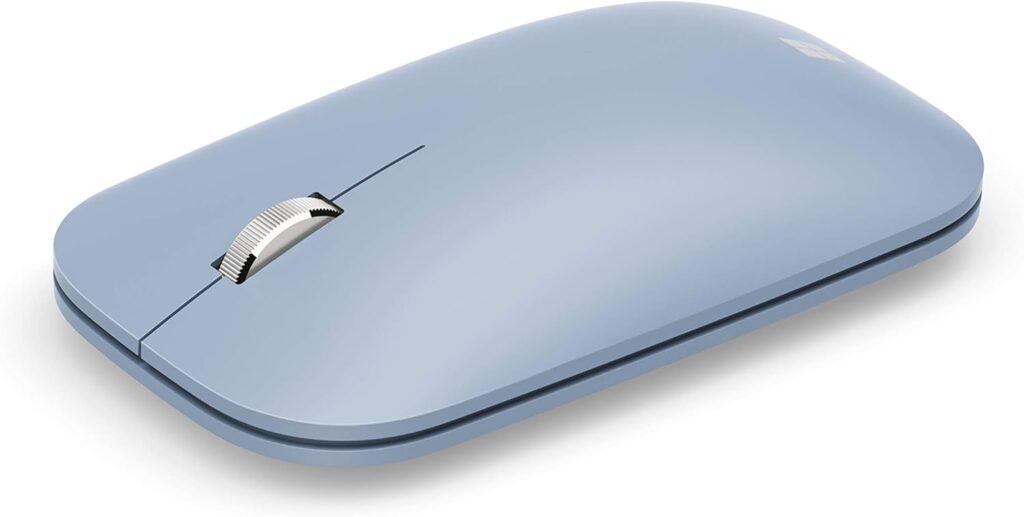
Microsoft Bluetooth Mouse – Best Simple Mouse Deal
A cluttered desk leads to a cluttered mind. Pairing a wireless keyboard with a reliable wireless mouse is the easiest way to modernize your home office setup.
Why We Love It
You don’t always need a mouse with 15 programmable buttons. The Microsoft Bluetooth Mouse is the definition of “keeping it simple.” It offers smooth, reliable tracking on almost any surface and features a very lightweight design that prevents wrist strain during long 8-hour workdays. Because it uses Bluetooth, it doesn’t even require a USB dongle, saving you a precious port on your laptop.
- Pros: Smooth and consistent performance, lightweight for long-term comfort, very reliable connection.
- Cons: Basic features only, no advanced customization or side buttons.
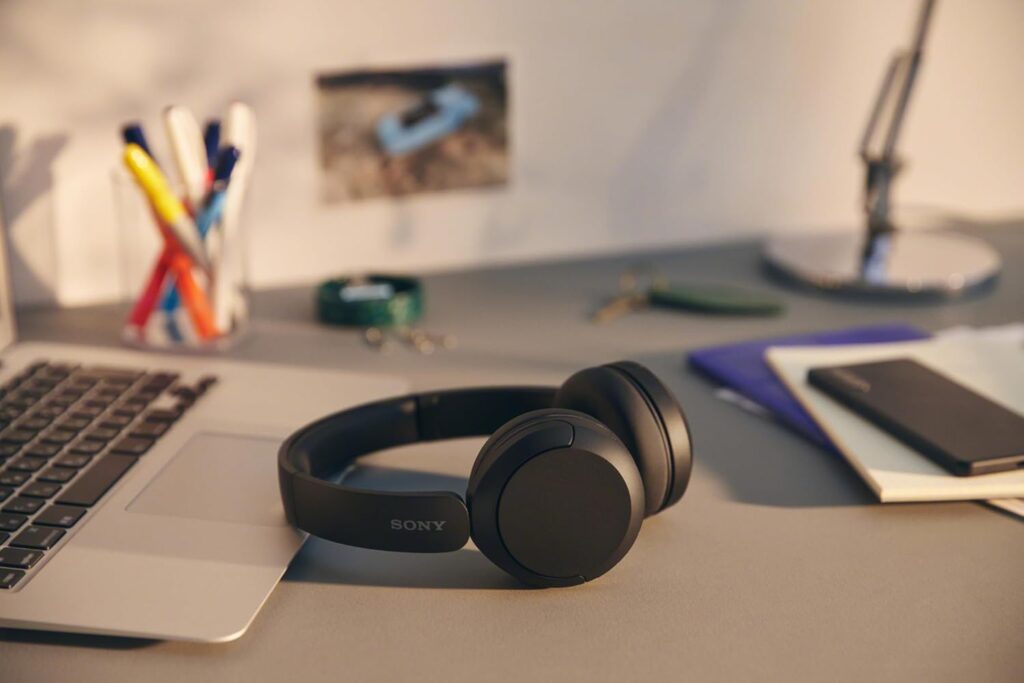
Sony WH-CH520 – Best Budget Headphone Deal
Working from home can feel overly quiet and lonely. Putting on a good playlist, listening to a podcast, or hopping on a crystal-clear call with a coworker can quickly cure that home-office isolation.
Why We Love It
The Sony WH-CH520 headphones are incredibly lightweight, meaning you can wear them through back-to-back meetings without your ears hurting. They feature an outstanding battery life that will easily last you the entire work week on a single charge. The built-in microphone is also surprisingly clear, ensuring you sound professional during your virtual check-ins.
- Pros: Excellent for voice and video calls, super lightweight, industry-leading battery life.
- Cons: No Active Noise Cancellation (ANC), bass is fairly average.
(If you prefer smaller audio devices for your home office, check out our detailed guide on the Best Wireless Earbuds Under $100 for top sound quality options!)
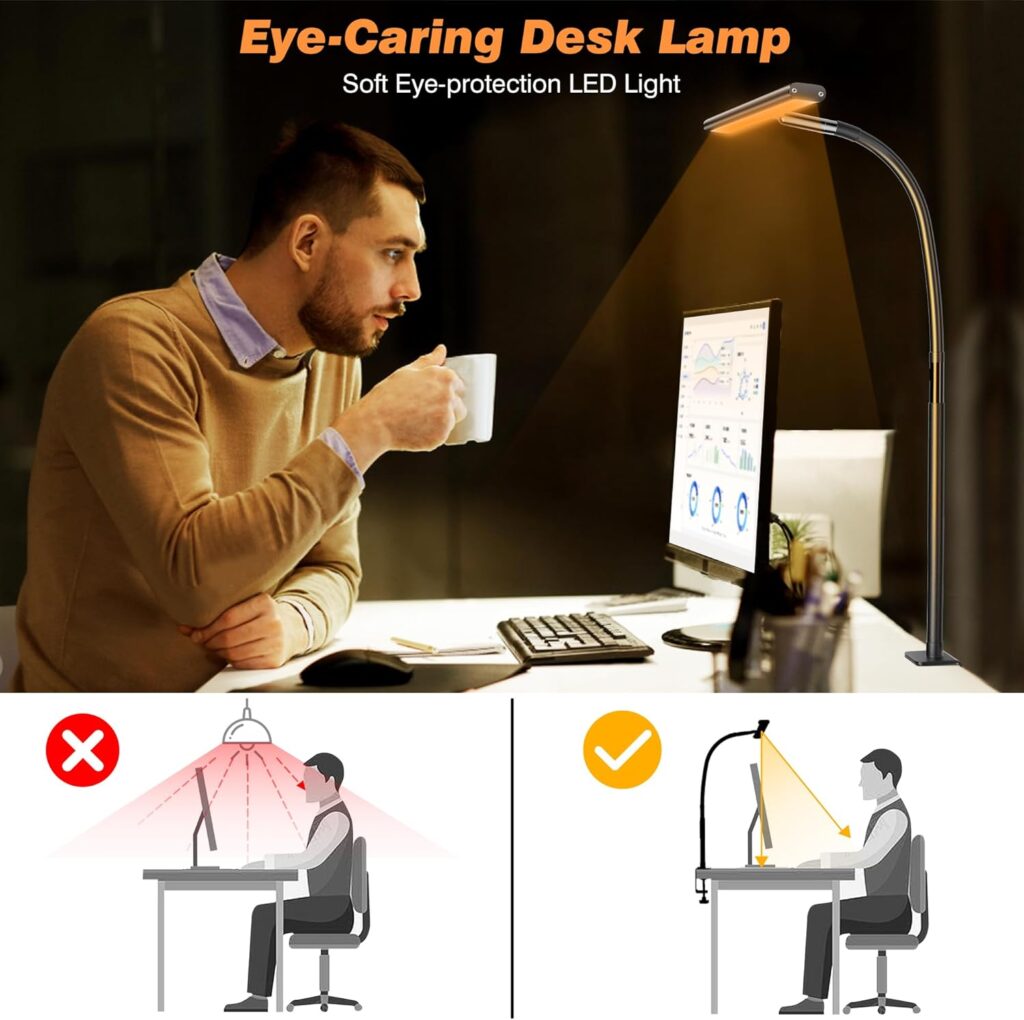
LED Desk Lamp with USB – Best Desk Setup Deal
If you are working in a dimly lit room, your eyes will strain faster, leading to headaches and fatigue. Good lighting instantly makes a home office feel more professional and welcoming.
Why We Love It
A modern LED desk lamp is an absolute essential. This deal offers eye-friendly, adjustable lighting so you can change the brightness and color temperature depending on the time of day. Even better, it includes a built-in USB charging port in the base. This allows you to charge your phone directly from the lamp, eliminating the need to run another messy charging cable across your clean desk!
- Pros: Eye-friendly adjustable lighting modes, convenient built-in USB charging port, modern design.
- Cons: Build quality can vary by brand, needs to remain plugged into a wall outlet.
Buying Guide: How to Build a Better WFH Setup
When building your workspace, your main goal should be to reduce effort, not add complexity. Keep these three factors in mind:
1. The “Clean Desk” Philosophy As mentioned earlier, a messy desk creates mental friction. When buying new tech, ask yourself: Does this have a wire? Can I get a wireless version instead? Eliminating cables with Bluetooth mice and keyboards is the fastest way to make your desk look and feel better.
2. Prioritize Comfort Above All You are going to be sitting at this desk for 40 hours a week. Choose a mouse that fits your hand nicely, headphones that don’t clamp down too hard on your ears, and lighting that doesn’t hurt your eyes.
3. Battery Efficiency Nothing interrupts your workflow faster than a dead mouse or keyboard. Look for gadgets that boast long battery life or use standard AA/AAA batteries that can be swapped out in seconds so you never miss a deadline.
Final Verdict
Upgrading your home office doesn’t require a massive budget. By focusing on simple, wireless tech like the Logitech K380 Keyboard and the Microsoft Bluetooth Mouse, you can instantly clear your desk of clutter. Pair that with the Sony WH-CH520 to stay connected with your team, and you will find your home office becoming a place you actually enjoy working in.
(Disclosure: This article contains affiliate links. As an Amazon Associate, DealNest earns a small commission from qualifying purchases at no extra cost to you. This helps support our work in reviewing and recommending the best tech products!)






No Comment! Be the first one.